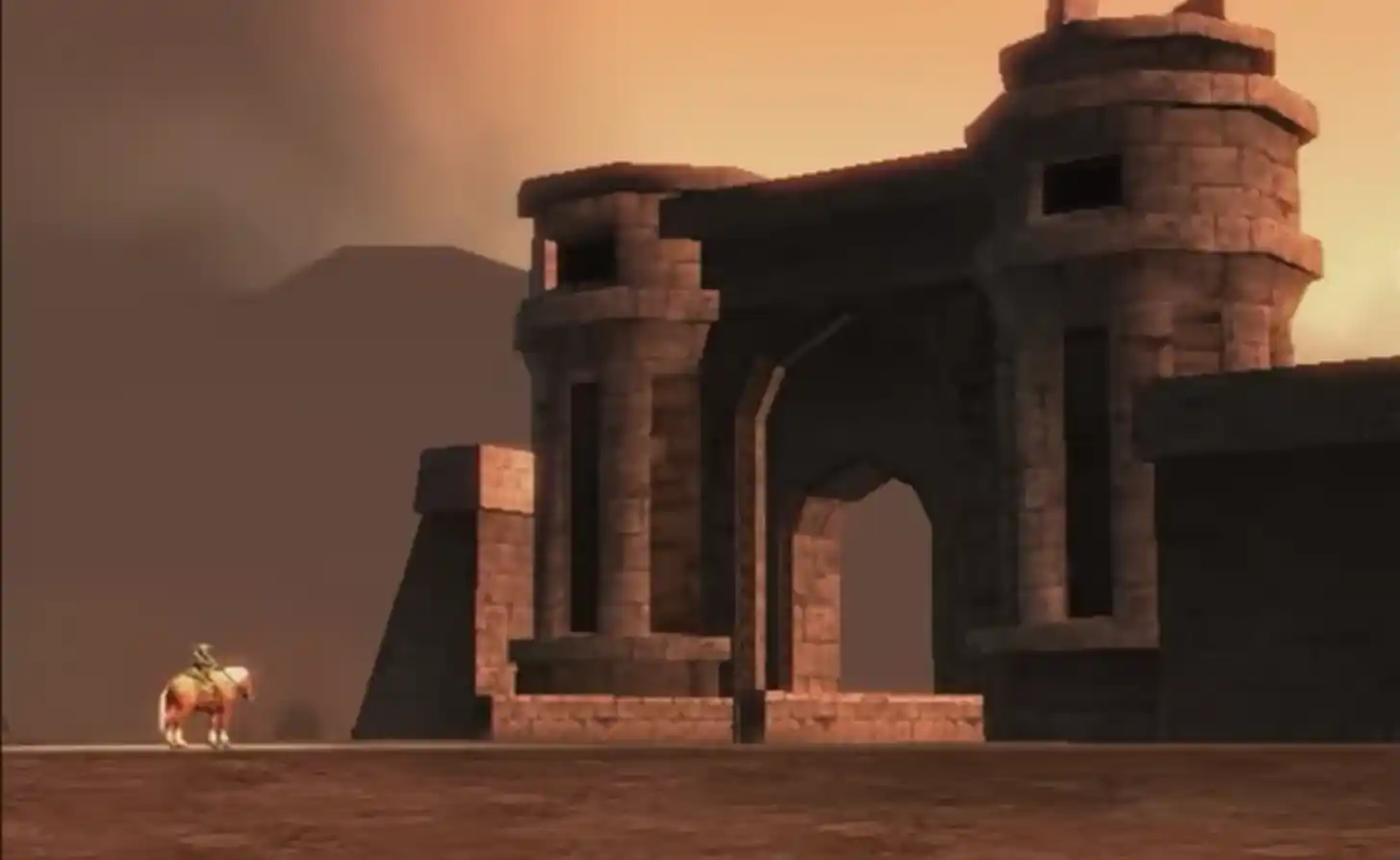
Install & play — Twilight Princess via Dusk
Dusk (Twilight Princess)Independent, open-source port — you download the program; you supply a legal GameCube disc image.

What this is: Dusk is a Twilight Princess port from the Twilit Realm project — not made or sold by Nintendo. Some posts also call it Dusklight; it is the same program. This site is a setup guide only: we link to official program builds and do not host or distribute game data.
Start here: Use the Download by platform button above, then Install → verify your disc image (SHA-1) → open Dusk, Select Disc Image, then Play.
Jump to a platform
Jump to your platform in Download by system below.
Latest: v1.4.1Other versions
Windows
For you: x86_64 zip for typical PCs. Use the direct download on this page or the same file from Releases.
Latest (v1.4.1)
These buttons pull the same files as the current public release for this tag.
Install
- Download the Windows zip using the button above (or pick the file manually on Releases).
- Extract the archive and run the Dusk executable inside.
Game data
Linux
For you: Choose x86_64 or arm64 to match your CPU (many desktops and Steam Deck use x86_64).
Install
- Download the matching .zip for your CPU (buttons above or Releases).
- Unzip and run the Dusk binary (chmod +x if needed).
Game data
macOS
For you: Separate zips for Intel and Apple silicon — pick the one that matches your Mac.
Latest (v1.4.1)
These buttons pull the same files as the current public release for this tag.
Install
- Download the correct macOS zip (Intel vs Apple silicon — buttons above or Releases).
- Open the .app inside; use right-click → Open the first time if Gatekeeper blocks it.
Game data
Android & iOS
For you: Android: apk install. iOS: sideloading varies — the iOS guide walks through typical options and storage quirks.
Latest (v1.4.1)
These buttons pull the same files as the current public release for this tag.
Install
- Install the apk (Android) or sideload the ipa per Apple policy and your tooling.
- Open Dusk and use Select Disc Image like on desktop (paths differ by OS).
Game data
Platform · Pick the file that matches your OS and CPU (see Releases for patterns). Open Install for step-by-step help.
Project & community
Releases on this site covers tags, filename patterns, and the full Assets list when you need it. For news and discussion, use the links below.
Before you play
- You need a clean, supported GameCube disc image and must verify its SHA-1 (see Setup).
- Dusk does not include copyrighted game data.
- Requirements vary by platform — try FAQ first; use GitHub Issues for reproducible engine bugs.